


Skip to content
Computer Sales & Upgrades

SSD & RAM upgrade
for laptops and PCs, Gombak

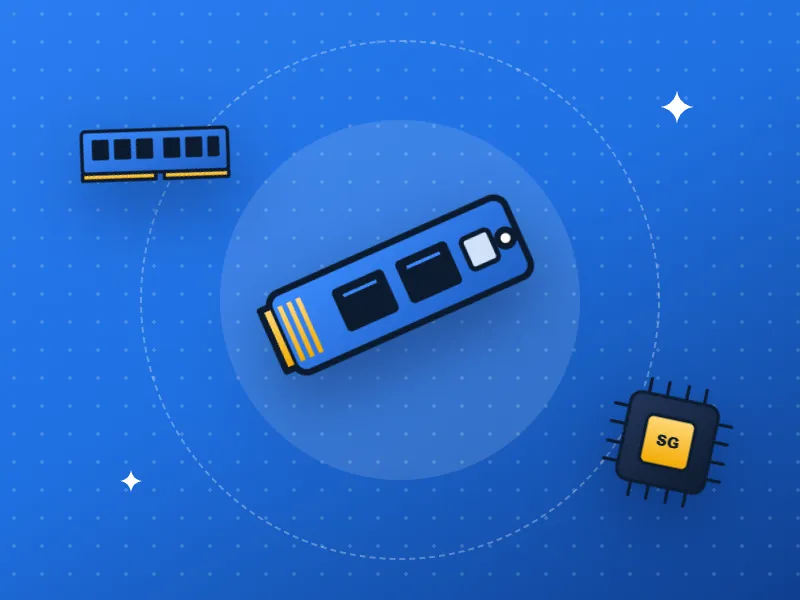
An SSD and RAM upgrade is the cheapest way to make an older laptop or PC feel new. We check what your machine supports, fit the right parts and move Windows and your files across.

300+ Google reviewsPlaza Idaman, Gombak
SSD & RAM Upgrade
TestedBefore handover
WarrantyAsk for the details
UpgradesSSD & RAM
short answer

SSD & RAM Upgrade, explained.

We upgrade hard disks to SATA or NVMe SSDs and add RAM to laptops and desktops, cloning your existing Windows and files or doing a fresh install. We check compatibility first — including whether your RAM is soldered. SSD installation is in our Hardware tier, from RM150 plus the drive; RAM is quoted with the module.

Takes minutes to bootDisk at 100 in Task ManagerFreezes with many tabsApps slow to openRunning out of storageOld spinning hard diskOnly 4 GB or 8 GB RAMOffice PC dragging
pricing

What it costs

SSD installation and cloning sit in our Hardware tier, from RM150, plus the SSD itself. RAM is quoted with the module after we confirm compatibility. The parts you choose drive the price most, so send us your model and how you use the machine for an exact quote.

  • Free diagnosis & clear quote
  • Nothing starts until you approve
  • 90-day service warranty on repairs
See all pricing
diagnose

Problem, cause,
solution.

What we see most often with ssd & ram upgrade — the likely cause and what we do about it. Every job still starts with a free check.

What you notice
Likely cause
What we do
Slow boot, disk always busy
Old mechanical hard disk
SSD upgrade with clone
Freezes with many tabs open
Not enough RAM
Add RAM if a slot is free
Storage full
Small SSD or big files
Larger SSD or second drive
RAM upgrade not possible
Memory soldered to board
SSD upgrade or plan a replacement
Old drive is failing
Bad sectors or worn SSD
Copy data carefully, fit new drive

Clone or fresh install?

When we swap a hard disk for an SSD, there are two ways to move you over.

  • Clone: we copy the whole old drive — Windows, apps, settings and files — onto the SSD. You get your laptop back exactly as it was, just much faster. Best when everything works and you do not want to reinstall software.
  • Fresh install: we install a clean copy of Windows on the SSD, then copy your files across. You reinstall your apps. Best when the old Windows was slow, cluttered, infected or full of startup junk.

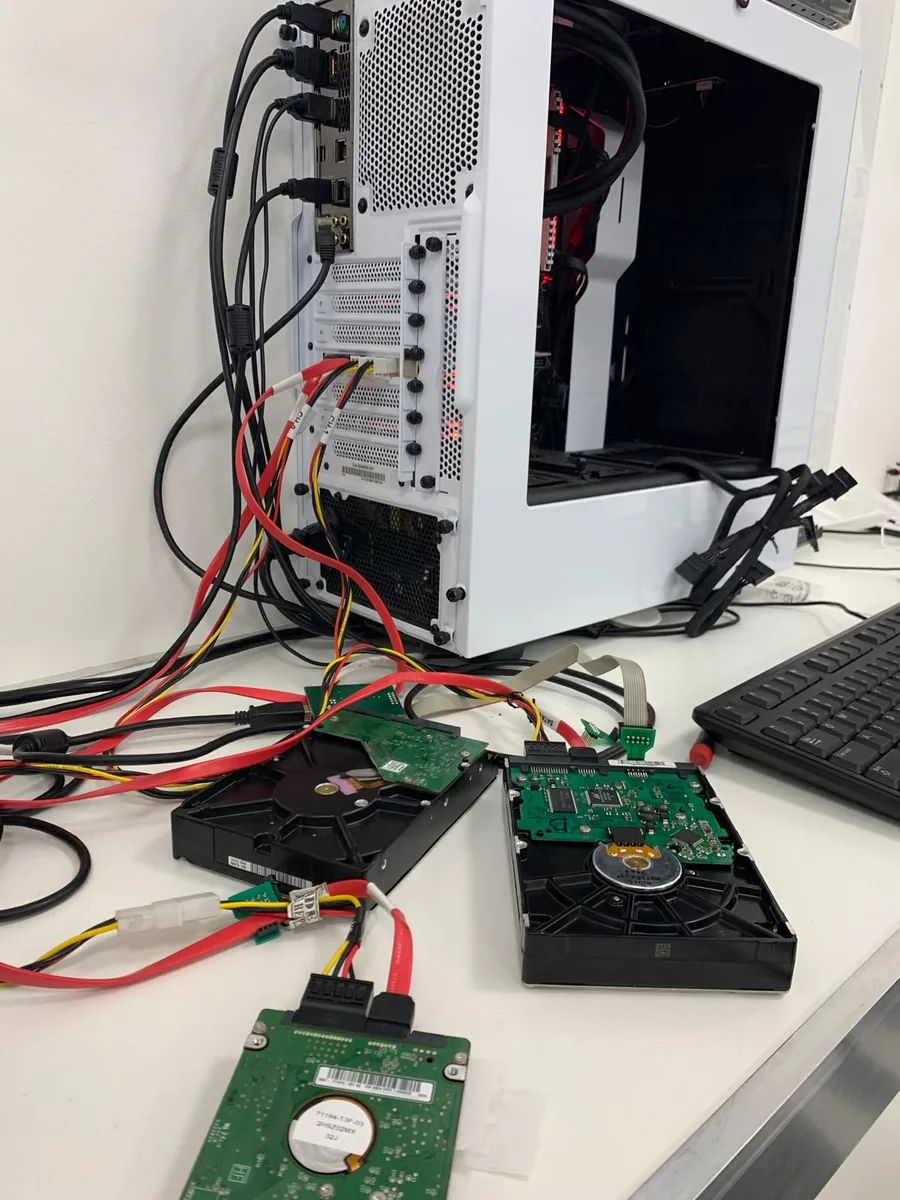
One important exception: if the old drive is already failing — clicking, very slow, or showing errors — cloning it at full speed can push it over the edge. In that case we copy your important data first, carefully, then do a fresh install. If it will not read at all, that becomes a hard disk recovery job.

Your Windows licence carries over either way. Your old drive is yours to keep; many people use it in a cheap USB enclosure for backups.

SSD and RAM upgrade compatibility: what we check

This is where online orders go wrong. An SSD and RAM upgrade only works if the parts match your machine exactly.

Storage

  • 2.5-inch SATA SSD: replaces a laptop hard disk directly. Works in most older laptops with a hard disk bay.
  • M.2 SATA vs M.2 NVMe: they look similar but are not interchangeable. Some M.2 slots take only SATA, some only NVMe, some both. NVMe is much faster where supported.
  • Length: M.2 drives come in sizes such as 2280, 2242 and 2230. A drive that is too long simply will not fit.

Memory

  • Type: DDR3, DDR4 and DDR5 are not interchangeable. Laptops use the shorter SO-DIMM sticks.
  • Soldered RAM: many thin laptops have some or all memory soldered to the board. Open Task Manager → Performance → Memory and look at “Slots used”. “1 of 1” or no slots means limited or no upgrade.
  • Matching: two matched sticks run in dual-channel mode, which helps graphics on laptops without a separate graphics card.

When an upgrade is worth it — and when it is not

An SSD upgrade helps almost every machine still running a spinning hard disk. Boot time, opening apps, Windows updates and searching files all improve dramatically, because the hard disk was the bottleneck. If Task Manager often shows your disk near full use while the processor is idle, that is a clear sign.

RAM helps when you run out of it. Students with Zoom, Word and twenty browser tabs, or office users with big Excel files, feel the difference going from 4 GB to 8 GB, or 8 GB to 16 GB. If you rarely use what you have, more RAM will not make it faster.

Upgrades are not worth it when:

  • The processor is very old and struggles even with an SSD.
  • RAM is soldered at a low amount and cannot be increased.
  • The laptop also needs a battery, a screen and a keyboard.

In those cases we will tell you plainly, and a refurbished laptop may be better value. Our article on whether to upgrade or buy new helps you decide.

When to bring it to us

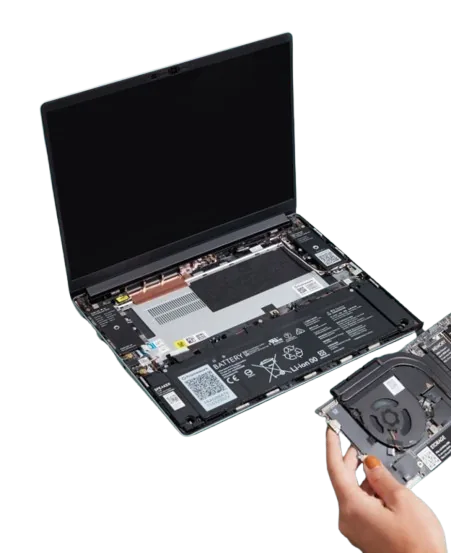
If you are comfortable with a screwdriver, a 2.5-inch SSD in an older laptop with an easy access panel is a reasonable DIY job — clone with the SSD maker’s tool, swap, and done. Ground yourself first, and remember that opening a laptop still under warranty may affect that cover.

Bring it to us when:

  • You are not sure whether the slot is SATA or NVMe, or whether RAM is soldered.
  • The old drive is showing errors, clicking or freezing — do not clone it yourself.
  • The laptop has no easy access panel and the whole bottom case must come off.
  • You want BitLocker, licences and files handled properly during the move.

WhatsApp us your model first and we will tell you exactly what fits. Then book a drop-off at Plaza Idaman, Gombak. See also our computer sales and upgrades page and the SSD vs HDD guide.

Before you come in

  • Check Task Manager → Performance → Memory for “Slots used” and your RAM speed.
  • Find the exact model number on the sticker underneath or in Settings → System → About.
  • Back up your important files before any drive change.
  • Check your BitLocker recovery key is saved in your Microsoft account.
  • If the old drive clicks or shows errors, stop and do not try to clone it yourself.
how it works

From first message
to done.

01

Send your model

WhatsApp us the exact model number. We check drive slots, NVMe or SATA support, RAM type and whether memory is soldered.

02

Clear plan and quote

We recommend the drive size and RAM that make sense for how you use it — not the biggest number — and quote before buying parts.

03

Fit and migrate

The new parts are fitted. Your Windows and files are cloned across, or we do a clean install if that is better.

04

Test and hand over

We check boot speed, drive health and memory, and can put your old drive in a USB case as a backup drive.

faq

Questions about
ssd & ram upgrade

Can’t find your answer? Message us — a real person at the shop replies.

Will an SSD really make my laptop faster?
If it currently has a spinning hard disk, yes — boot, app launch and file searches become dramatically faster. It does not make the processor faster, so very old laptops still have limits.
Do I need to reinstall Windows after an SSD upgrade?
Not necessarily. We can clone your existing Windows, apps and files so everything looks the same. A fresh install is better if the old Windows was slow or problematic.
How do I know if my RAM is soldered?
Open Task Manager, go to Performance, then Memory, and look at “Slots used”. If there are no free slots, or the laptop has none, the RAM may be soldered. Send us your model to confirm.
Can I add an SSD and keep my hard disk?
On many desktops and some larger laptops, yes — the SSD runs Windows and the hard disk stores files. Most thin laptops have only one drive slot, so the old drive goes into a USB case instead.
How long does an upgrade take?
Usually the same day. Cloning time depends on how much data you have and how healthy the old drive is. We give you an estimate when you drop it off.
related services

Also in
computer.

Refurbished Laptops

Refurbished Laptops

Refurbished laptops for students, home users and offices around Gombak — checked part by part, cleaned, set up and sold .

Learn more
Custom Gaming PC Build

Custom Gaming PC Build

A custom gaming PC build planned around the games you play, the software you use and the budget you have — with cooling .

Learn more
Computer Sales & Upgrades

Computer Sales & Upgrades

Refurbished laptops, custom gaming PCs, SSD & RAM upgrades.

Overview