When a drive starts failing, the first few minutes matter. The right moves can keep your photos, documents and business files recoverable; the wrong ones can destroy them for good.
Common signs of a failing drive
- Clicking, grinding or beeping from a hard disk.
- The computer is stuck on a black screen or keeps restarting.
- Files and folders disappear, or open as gibberish.
- Windows says the drive must be formatted, or shows it as “RAW”.
- The drive is not detected at all.
Do this immediately
- Stop using the device. Every minute a failing drive runs, more data can be damaged or overwritten.
- Do not format the drive, even if Windows asks you to.
- Write down what happened — a drop, a power cut, a noise, a message on screen.
- Get a professional assessment as soon as you can.
What not to do
- Don’t keep restarting the computer to “see if it works now”.
- Don’t run repair or recovery tools on a drive that is clicking.
- Don’t open the drive yourself or tap it.
- Don’t install recovery software onto the same drive you are trying to recover.
What about SSDs, USB drives and memory cards?
SSDs fail silently — no clicking — but the same rule applies: stop using it and get it checked. Corrupted USB drives and SD cards from phones and cameras can often be recovered too, as long as they are not overwritten.
How to avoid it next time
Keep at least one backup of anything important on a separate drive or cloud service, and replace drives that show early warning signs. When we recover your data, we can move it onto a healthy new SSD so you start fresh.
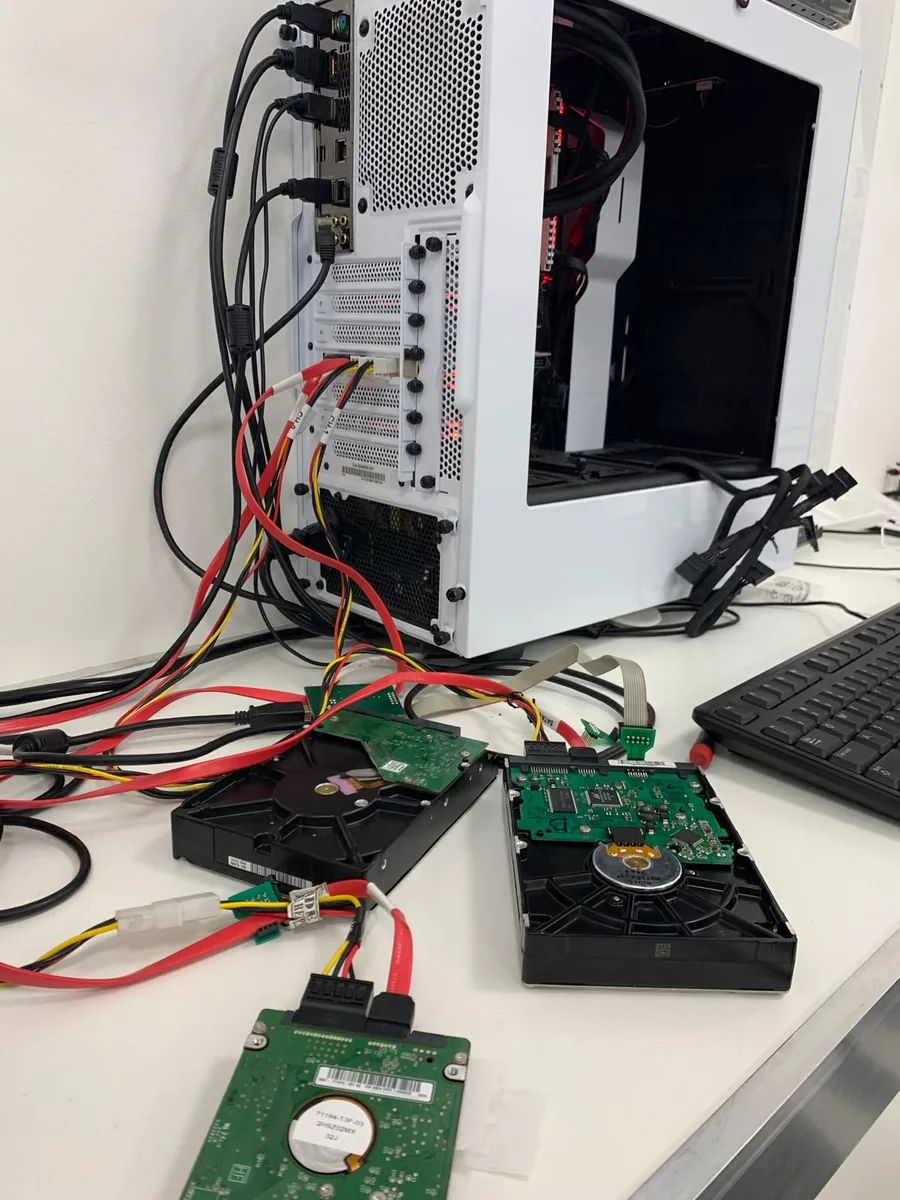
Shah G Tech offers data recovery for crashed HDDs, SSDs, USB drives and memory cards in Gombak. Assessment is free, and we tell you honestly what can be recovered before you pay.