If your laptop takes minutes to boot or freezes when you open a few programs, the storage drive is often the reason. Choosing between a solid-state drive (SSD) and a traditional hard disk drive (HDD) is one of the most important decisions for speed — here is a plain-English comparison.
The basic difference
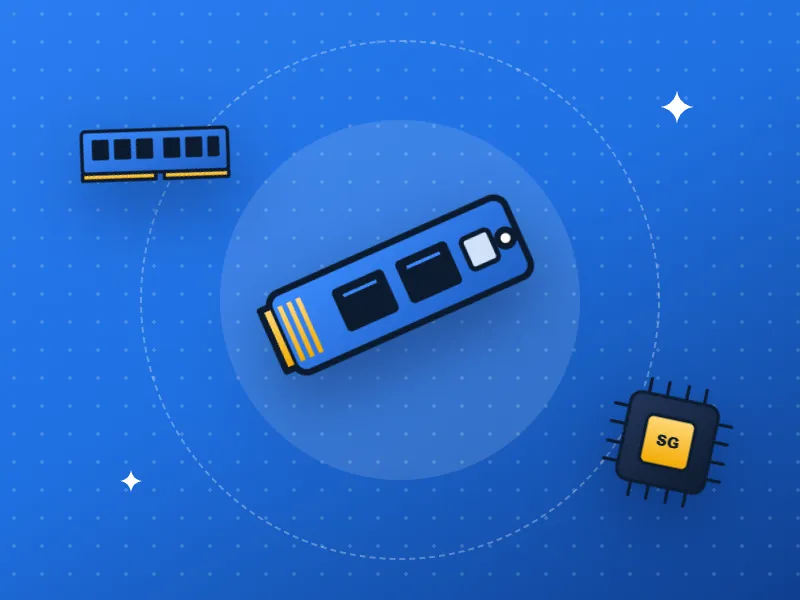
An HDD stores data on spinning magnetic platters read by a moving arm. An SSD stores data on flash memory chips with no moving parts. That single difference explains almost everything else.
Speed: SSD wins by a mile
Because nothing has to spin up or move into position, an SSD opens files, programs and Windows itself many times faster than an HDD. For an older laptop, swapping the hard disk for an SSD is usually the single biggest speed upgrade you can make — far more noticeable than a faster processor for everyday use.
Durability and noise
With no moving parts, SSDs handle bumps and drops better, run silently and use less power — which also helps battery life. HDDs are more vulnerable to shocks, especially while running, and a clicking HDD is a classic sign of failure.
Capacity and cost
HDDs still offer more storage for the money, which makes them useful for large archives, backups and media libraries. SSD prices have dropped a lot, so for the main drive that runs Windows and your programs, an SSD is now the sensible default.
Which should you choose?
- Everyday laptop or office PC: SSD for the main drive.
- Gaming PC: SSD for Windows and games — load times drop dramatically.
- Huge photo or video archive: SSD for the system, plus an HDD or external drive for bulk storage.
- Backups: an external HDD remains an affordable choice.
Upgrading an old laptop
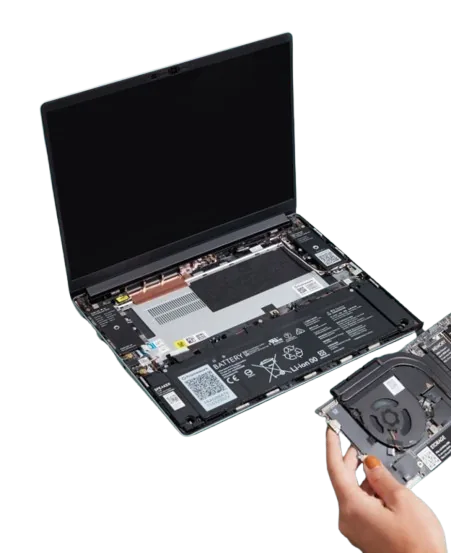
Most laptops with an HDD can be upgraded to an SSD. We install the new drive and move your files across, so you keep everything — it just runs faster. Adding RAM at the same time can help if you keep many browser tabs or programs open.
Visit Shah G Tech at Plaza Idaman, Gombak, for an SSD or RAM upgrade. Hardware services start from RM150, and we will tell you honestly whether an upgrade is worth it for your machine.