




Laptop & PC Repair
Screens, keyboards, charging, overheating and motherboard faults — most fixed in 2–4 hours.
Learn morePaper jams, streaky pages, ink or toner errors, printers that vanish from Wi-Fi — we repair, clean and set up inkjet and laser printers, and look after the network and IT that small offices depend on.
If your device shows any of these signs, bring it in. Diagnosis is free and you always get a clear quote first.
Quote after free diagnosis. On-site office setup available on request.
Printer repair, setup, Wi-Fi printing and small-office IT support.
Diagnosis and repair for home and office printers of all common brands.
Print-head cleaning, alignment and roller care for crisp, streak-free pages.
Ink-system and toner errors investigated and fixed — not just a new cartridge.
Printers shared to every PC and phone in your home or office.
Clean driver installs, scan-to-PC and scan-to-email set up properly.
Network setup, Wi-Fi installation and troubleshooting for small offices.
Detailed guides to the jobs we do most — what causes them, how we fix them and what it costs to start.
Home and student printers with print, scan and copy.
Refillable tank systems — ink flow, air in lines and print-head care.
Mono and colour lasers for offices — toner, drum and fuser issues.
Shared office printers on Wi-Fi or Ethernet.
The issues we see most — what usually causes them and what we do about it. Every job still starts with a free check.
Shah G Tech repairs, services and sets up printers for homes, students and offices around Gombak, Batu Caves, Setapak and Kuala Lumpur. We work on inkjet, ink-tank, laser and all-in-one printers — the everyday machines that print assignments, invoices, labels and reports.
Most printer problems come down to a handful of causes: dried print heads, air or ink-flow issues in ink-tank systems, worn rollers that jam or double-feed, toner and drum problems in laser printers, and driver or Wi-Fi settings after a Windows update. We diagnose the real cause first, explain it, and give you a clear quote — no guessing, no unnecessary parts.
For small offices we also set up network and Wi-Fi printing so every PC and phone can print and scan, configure scan-to-PC and scan-to-email, and look after the wider office IT: routers, Wi-Fi coverage and general troubleshooting.
Before you buy a new printer, let us check the old one. Many “dead” printers only need cleaning, a roller service or a proper driver setup to work like new — and if it really is beyond repair, we can take it as e-waste and recycle it responsibly.
One printer, many users — we make it reliable. Shared Wi-Fi or network printing for every PC and phone, scan-to-email for the whole team, and help with the router and Wi-Fi coverage behind it.
WhatsApp a photo or video of the error, or bring the printer in.
We find the cause and give you a clear quote before any work.
Repaired, test-printed and reconnected to your devices.
Budget-friendly fixes and upgrades that keep online classes and assignments running.
Family laptops, PCs and printers sorted quickly, explained in plain language.
Fast turnaround and practical IT help so your business keeps working.
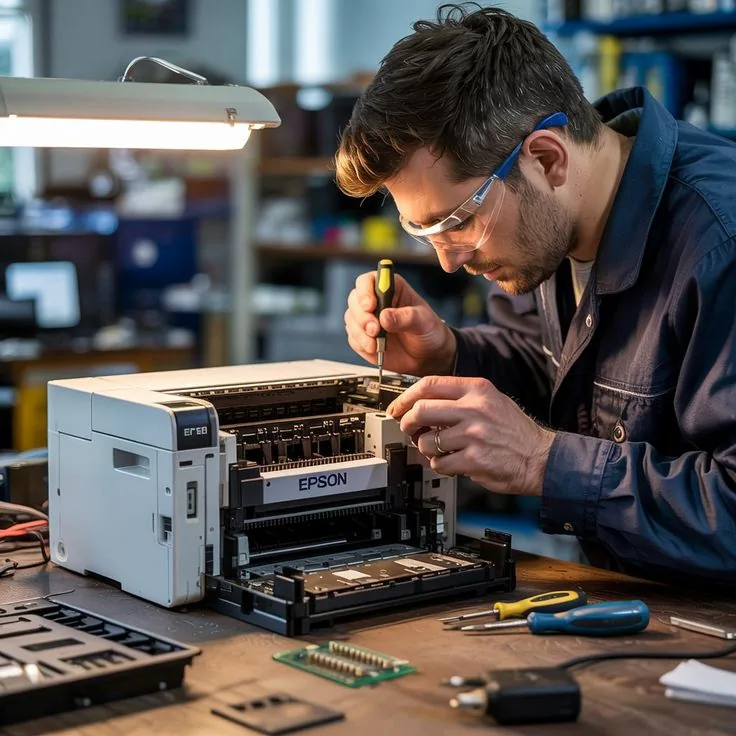 Printers
Faded, streaky or blank prints? Try these 6 quick printer fixes at home or in the office — and learn when it is time to get your printer professionally serviced.
Read article Printers
Printer Epson lampu merah berkelip dan tak mahu print? Kenal pasti puncanya — kertas, dakwat atau ink pad penuh — dan cara selamat untuk betulkannya.
Read article Printers
Epson lights blinking and a “service required” message? Learn what full ink pads mean, why a reset alone can leak ink, and the safe fix we use.
Read articleCan’t find your answer? Message us — a real person replies.
Screens, keyboards, charging, overheating and motherboard faults — most fixed in 2–4 hours.
Learn more
Crashed drives, deleted files and formatted partitions — get your data back.
Learn more





Old laptops, PCs, printers and phones collected, data-wiped and recycled responsibly.
Learn more


Message us with a photo or a few words about what you need — we reply fast during business hours.