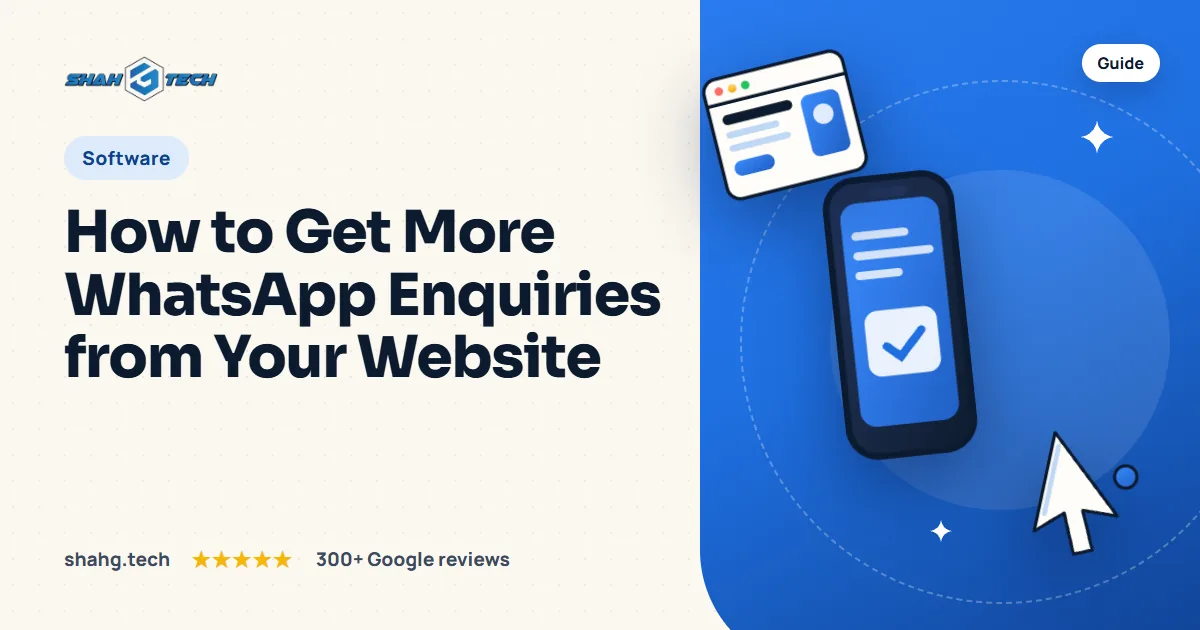
Use a click-to-chat link with a prefilled message on every important page, place the WhatsApp button where people decide (top of mobile pages, beside prices and services), and set up WhatsApp Business with a greeting and quick replies. Then make the site fast on phones and show real trust signals — address, hours, reviews and photos.
For most Malaysian customers, the natural way to contact a business is WhatsApp — not a form, not an email. A good WhatsApp business website makes that one tap away, with a message that tells you exactly what the customer wants. Here are the practical changes that make the biggest difference, most of which you can do this week.
Use a proper click-to-chat link
WhatsApp’s click-to-chat link opens a chat with your number directly, without the customer saving your contact first. The format is:
wa.me/60123456789
Use your full number in international format: 60 for Malaysia, then your number without the leading 0, with no spaces, dashes or plus sign. So 012-345 6789 becomes 60123456789. Replace the example with your own number.
Then add a prefilled message with ?text= after the number. The message has to be URL-encoded — spaces become %20 — and most website builders and developers can handle that for you. When the customer taps, WhatsApp opens with the message already typed. All they do is press send.
Write prefilled messages that get better enquiries
A blank chat makes the customer think about what to type. A generic “Hi” makes you ask five follow-up questions. A good prefilled message does both jobs: it gets the conversation started, and it asks for the information you need.
| Page | Prefilled message |
|---|---|
| Home page | Hi, I found you on your website. I’d like to ask about… |
| A service page | Hi, I’m interested in [service]. My details are… |
| Price page | Hi, can I get a quote for… |
| Booking page | Hi, I’d like to book on [day]. My area is… |
A different message on each page has a bonus: you can see which page the enquiry came from. If most chats start with your “aircond servicing” message and almost none with “aircond installation”, that tells you something about your pages — or your prices.
Put the button where people decide
Most visitors arrive on a phone, scroll quickly and leave within seconds if they can’t see what to do next. Place WhatsApp where the decision happens:
- At the top of the page on mobile — visible without scrolling.
- Right after you describe a service or show a price. That is the moment of interest.
- At the end of every article and service page. Readers who finish are warm leads.
- A floating button on mobile can work well — as long as it doesn’t cover text, other buttons or the cookie notice.
- On the contact page, next to your phone number, address and a map.
Make the button text specific. “WhatsApp us for a quote” or “Send us a photo on WhatsApp” beats a vague “Contact”.
Set up WhatsApp Business properly
The free WhatsApp Business app has features most small businesses never switch on:
- Business profile — address, hours, description and website link. It reassures customers they reached the real business.
- Greeting message — an automatic first reply, so nobody feels ignored.
- Away message — outside your hours, tell people when you’ll reply.
- Quick replies — saved answers for the questions you get every day.
- Labels — mark chats as new enquiry, quoted, paid or follow-up.
- Catalogue — show products or services with photos and prices inside WhatsApp.
Then do the part no tool can do: reply fast. A quick, helpful reply wins the job more often than a perfect website does.
Connect your Google Business Profile
Many local customers never type your web address. They search on Google or Google Maps, see your listing, and tap through. Make sure your Google Business Profile:
- Uses the same phone number as your WhatsApp Business account.
- Links to your website — ideally to the most relevant page, not just the home page.
- Has correct opening hours, including public holiday changes.
- Has real, recent photos of your premises, team and work.
- Shows reviews, and that you reply to them — the good and the bad.
Your website, Google profile and WhatsApp should all tell the same story: same name, same address, same number.
Speed and trust: why visitors don’t tap
If the page takes too long to load on mobile data, people leave before they ever see your button. Compress images, avoid heavy sliders and auto-playing videos, and check your site on an ordinary phone, not just the office computer.
Before someone sends a message, they are asking themselves: is this a real business, and will they treat me fairly? Help them answer yes:
- A real address and a map.
- Opening hours.
- Real photos — not only stock images.
- Reviews from Google, honestly presented.
- Clear “from” prices or an explanation of how you price.
- What happens after they message: “We reply within business hours with a quote.”
When to talk to us
You can do a lot of this yourself today: fix the link format, write better prefilled messages, set up WhatsApp Business and update your Google profile. Start there — it costs nothing.
If your website is slow, hard to update, hides your number or simply doesn’t bring enquiries, that is where we come in. Our web development service builds fast, mobile-first websites wired straight into WhatsApp, with Google Maps and Business Profile linking and basic on-page SEO. Wondering what it would involve? Read what drives website cost in Malaysia, then WhatsApp us at 019-299 4991 with your current site link and we’ll tell you honestly what we’d change first.