Most laptop disasters don’t happen out of nowhere. Days or weeks before a laptop dies, it usually shows warning signs — and catching them early is the difference between a quick, affordable fix and a dead motherboard or lost files. Here are the five signs we see most often at our Gombak repair bench.
1. It runs hot and the fan never stops
A laptop that is hot to the touch, throttles during simple tasks or has a fan that roars constantly is struggling to cool itself. Dust builds up inside the fan and heatsink, and the thermal paste between the processor and the heatsink dries out over time.
Why it matters: sustained heat stresses the motherboard, battery and storage. Left alone, it can lead to sudden shutdowns or permanent damage. A professional fan cleaning and fresh thermal paste usually solves it.
2. Clicking, grinding or buzzing noises
A clicking or grinding sound from a laptop with a traditional hard disk is one of the most serious warnings there is — it often means the drive is failing. Buzzing or rattling can also point to a damaged fan.
What to do: back up your important files right away if the laptop still works, then stop using it and get it checked. If the drive fails completely, you will need data recovery instead of a simple backup.
3. Random shutdowns and restarts
Unexpected shutdowns can come from overheating, a worn-out battery, a faulty charging port or a failing motherboard component. Occasional crashes become frequent ones, and each sudden power loss risks corrupting your files and operating system.
4. Flickering, lines or a dim screen
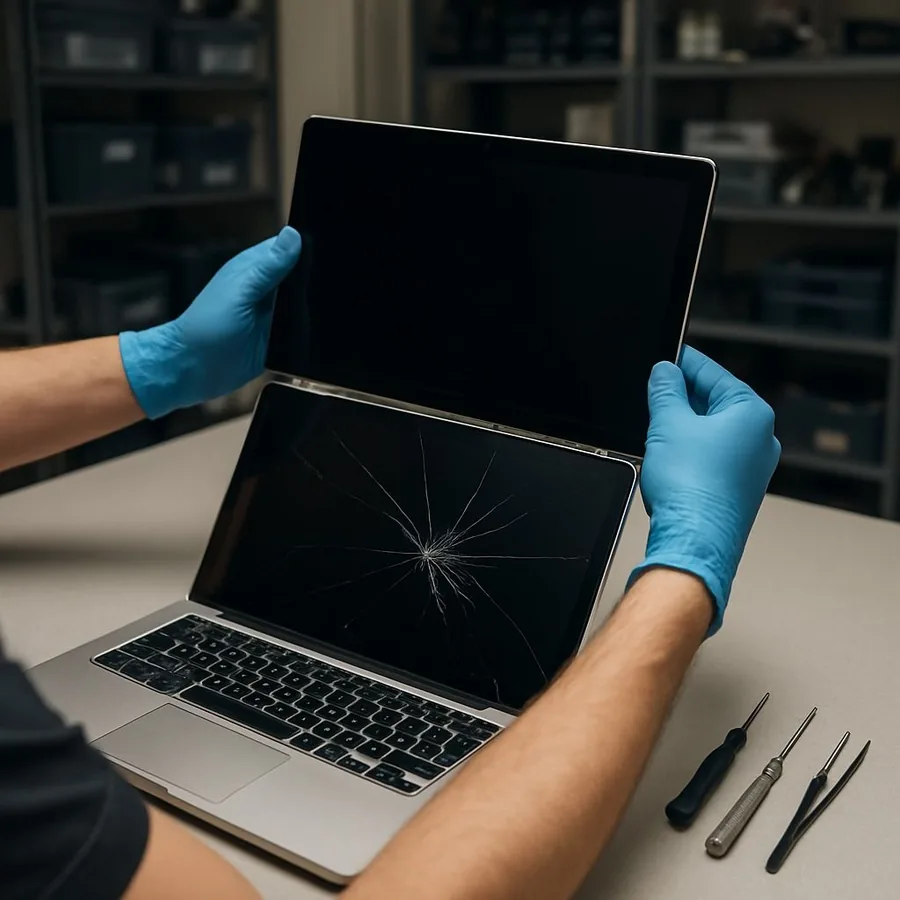
Flickering, coloured lines, dark patches or a screen that only works at certain angles often point to a damaged display cable or panel — common after a drop or a lot of opening and closing. Screen replacement is one of our most common same-day repairs, so there is no need to live with it.
5. Charging problems or a swollen battery
If the laptop only charges when the cable is held at an angle, the charging port or DC jack is likely loose or damaged. If the trackpad is lifting, the case is bulging or the keyboard feels raised, the battery may be swelling — stop using the laptop and bring it in. A swollen battery is a safety risk.
What to do next
- Back up your important files to an external drive or cloud storage.
- Note when the problem happens — on startup, under load, after charging.
- Avoid “trying one more time” with a clicking drive or swollen battery.
- Get a professional diagnosis before the fault spreads.
At Shah G Tech in Plaza Idaman, Gombak, diagnosis is free and you get a transparent quote before any work starts. Most repairs are completed within 2–4 hours and every repair carries a 90-day service warranty.